marker.io alternative
Marker.io alternative: Bugmark vs Marker.io
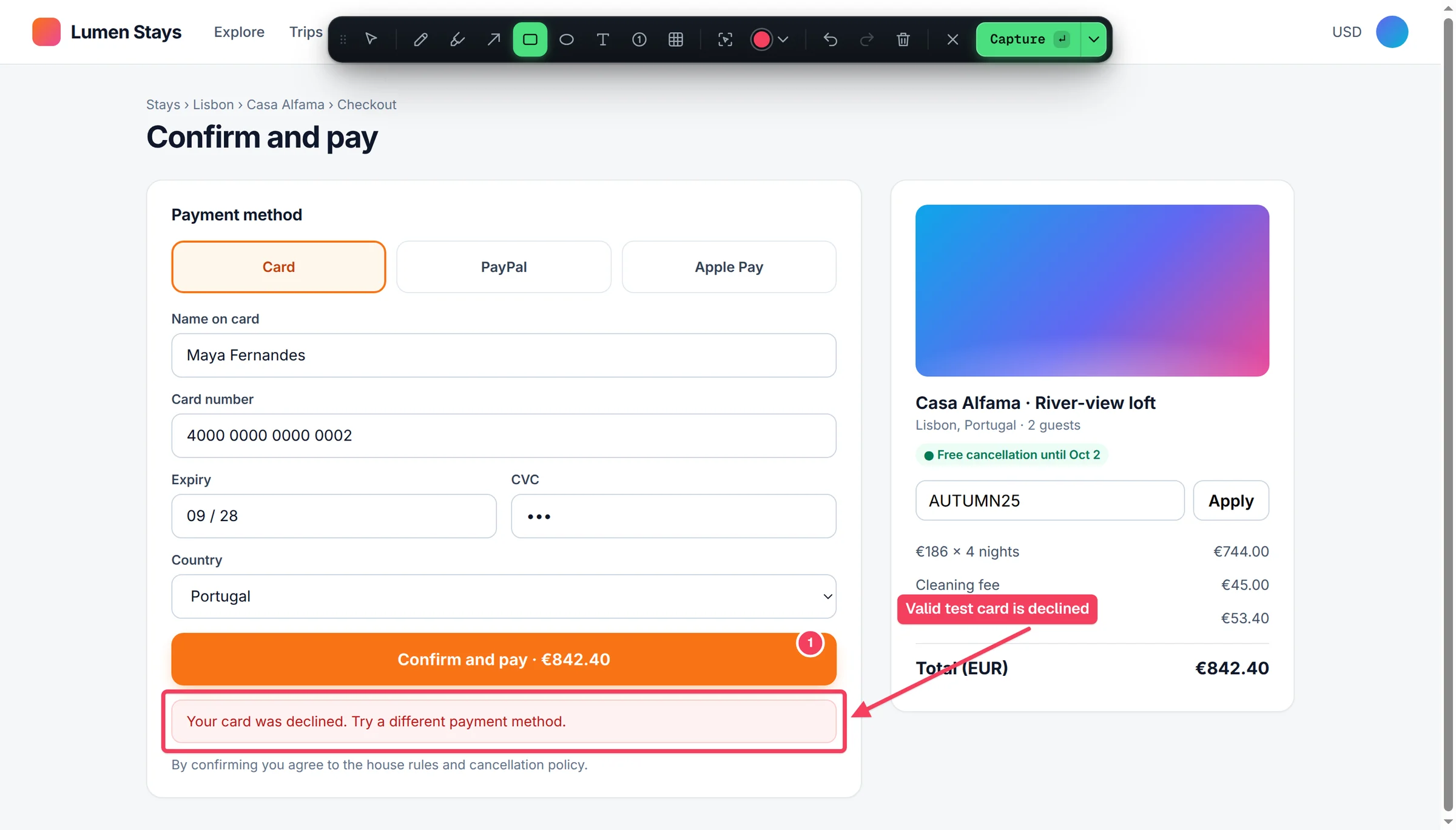
Marker.io is a website feedback and bug reporting platform built for teams and their clients, with a widget, guest reporters and two-way sync into project tools. Bugmark is a free Chrome extension that captures the same kind of visual feedback plus detailed developer context, and keeps it in your browser.
TL;DR
The short version
Choose Marker.io if you need clients or guests to report issues from an embedded widget and want feedback synced both ways with Jira, Linear, GitHub, Asana or similar tools. Choose Bugmark if you want an extension that is free to try, with no account, no seats and a one-time $7.99 price instead of a subscription, local-first storage, network payloads and responses, HAR download and direct GitHub issues.
When Marker.io is the better fit
Marker.io shines when feedback comes from people outside your team. You can embed its widget on a site so reporters submit feedback without creating an account, or use its browser extension on any website. Reports land in the tools your team already uses, and status updates can sync back.
- Guest reporting: clients and stakeholders can report from a website widget with no account, which is valuable for agencies and client reviews.
- Two-way sync: Marker.io lists Jira, Asana, ClickUp, Trello, Monday.com, GitHub, GitLab, Azure DevOps and Linear.
- Session replay and dev tools: its pricing page lists session replay, console logs and network requests on the Team plan and above.
- Team administration: users, projects and guests are managed per plan, with SSO and audit logs on Business.
Marker.io is a paid product with Starter, Team and Business plans, and every plan comes with a 15-day free trial with no credit card required. Limits on users, projects, guests and page views depend on the plan.
When Bugmark is the better fit
Bugmark suits developers, QA testers, designers and freelancers who do the capturing themselves and want the full technical picture without a subscription. There is nothing to embed on the site and no account to create.
- Free to try, $7.99 to own: every feature unlocked from the start, no seats or projects; a one-time $7.99 payment removes the 2-report limit of the free version.
- Local-first: captures stay in your browser. Data leaves only when you export or create a GitHub issue.
- Developer context on every capture: last 30 actions as steps to reproduce, 150 console messages, and 150 network requests with payloads and responses for recent fetch/XHR calls, secrets masked.
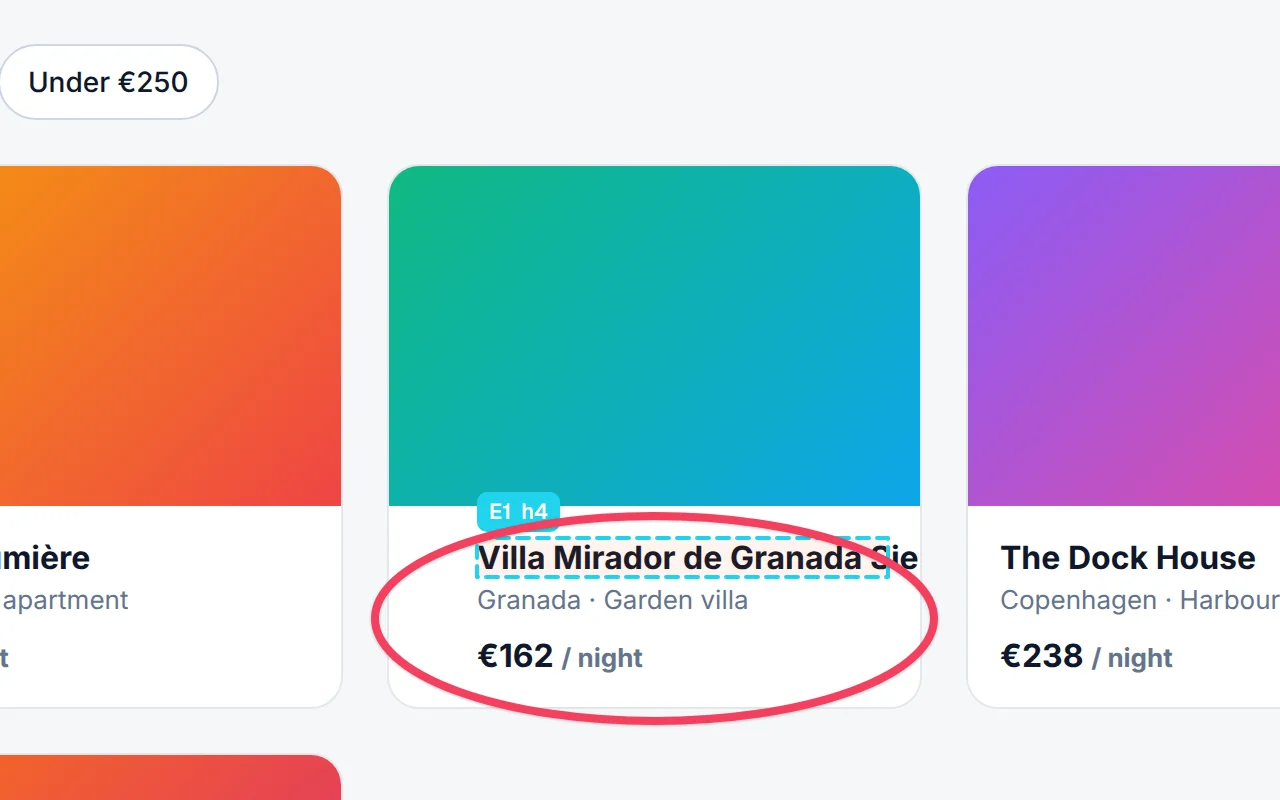
- Front-end review tools: an element inspector that attaches the CSS selector and computed styles, responsive breakpoint captures and before/after screenshots.
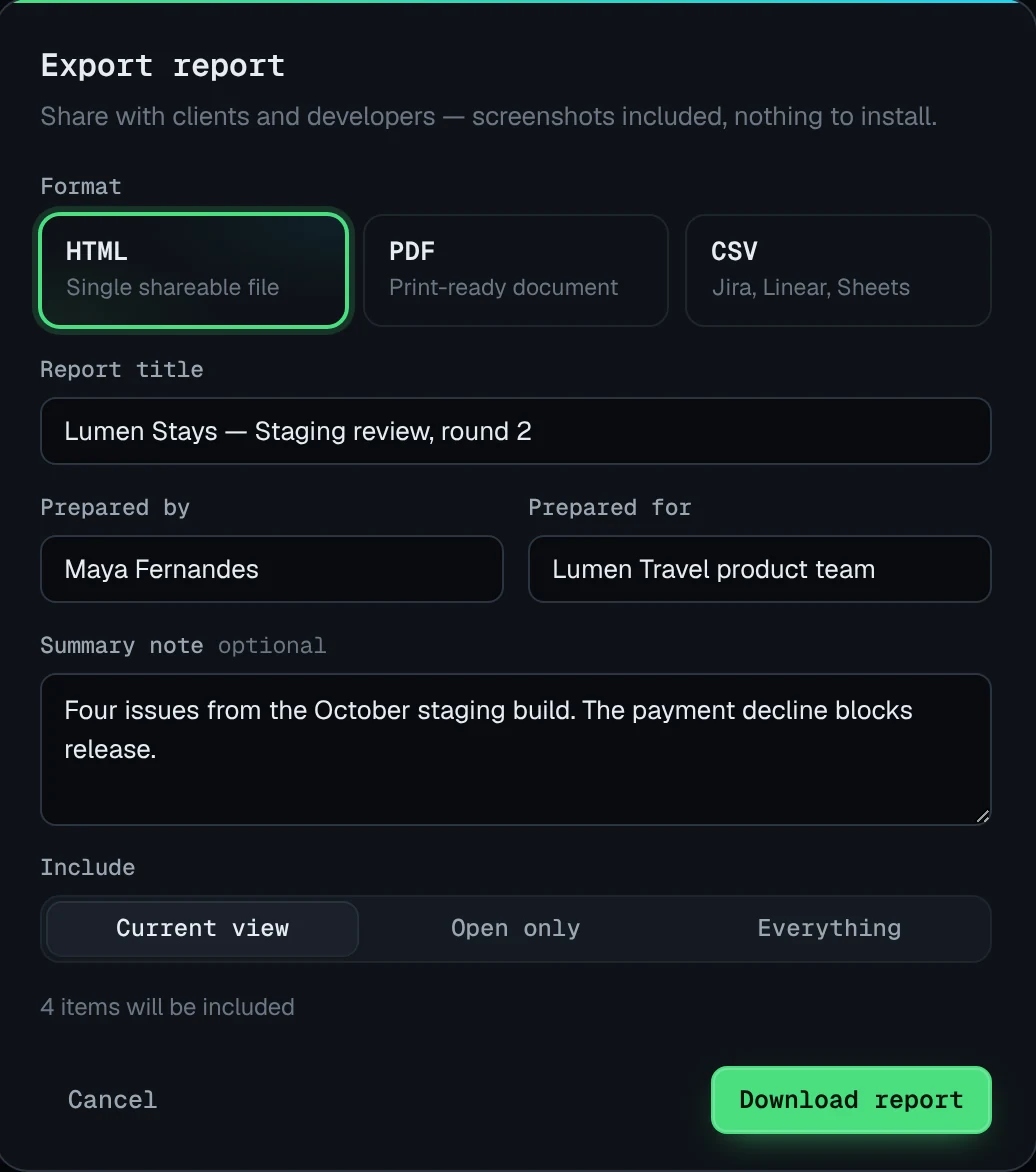
- Client-ready exports: a self-contained HTML report with your logo, accent color and company name, plus PDF, CSV and Markdown.
Bugmark vs Marker.io: feature comparison
| Feature | Bugmark | Marker.io |
|---|---|---|
| Price | Free to try (every feature, 2 saved reports); $7.99 one-time for unlimited | Paid plans with a 15-day free trial; varies by plan — see their pricing page |
| Account required | No | Guests can report via the widget without an account; see their site for team seats |
| Where data is stored | Locally in your browser | Marker.io's cloud and your connected tools |
| Screenshots & annotation | Yes, including numbered pins and a redact tool | Yes |
| Screen recording | Tab recording with voice, up to 5 minutes | Screen capture and session replay; varies by plan |
| Console logs | Yes, on every capture | Yes; varies by plan — see their pricing page |
| Network requests with payloads/responses | Yes, with secret masking, cURL and HAR | Network requests listed; detail varies by plan |
| Steps to reproduce | Last 30 actions, editable | Session replay shows what happened before feedback |
| Integrations | GitHub issues; CSV and Markdown export | Two-way sync with Jira, Linear, GitHub, Asana and more |
| Share links/collaboration | No hosted links or guest widget; HTML report export | Guest reporters, team projects and synced status |
Competitor details checked September 2026 from their public website; check their site for current plans.
Key differences in practice
Marker.io and Bugmark overlap on visual feedback, but they are designed around different workflows.
- Who reports. Marker.io is optimized for collecting feedback from many people, including guests who never create an account. Bugmark is optimized for the person doing the testing, who installs one extension and captures everything locally.
- Where issues go. Marker.io pushes reports into your project tool and can sync status back. Bugmark creates GitHub issues natively and exports CSV or Markdown for Jira, Linear and spreadsheets, while its own dashboard tracks status and priority.
- Depth of technical context. Bugmark attaches console logs, network payloads and responses, steps to reproduce and environment data to every capture, with no plan gating. Marker.io includes console and network data on higher tiers, alongside session replay.
A practical way to decide: if most of your reports come from clients who will never install an extension, Marker.io is purpose-built for that. If most reports come from your own developers, testers and designers, Bugmark gives them deeper debugging context for free.
How to try Bugmark as a Marker.io alternative
- Add Bugmark from the Chrome Web Store — click Add to Chrome and confirm. No account needed, and it works in Chrome, Edge, Brave and Arc.
- Open the site you are reviewing and press
Alt+Shift+S. Use interact-with-page mode to open menus before capturing. - Annotate with arrows, numbered pins and text, and use the inspector to attach the exact element.
- Review captures in the dashboard, grouped by site, and set status and priority.
- Send issues to GitHub, or export a white-label HTML report, PDF or CSV for clients and other trackers.
If client feedback is your main use case, read our website feedback tool page, or see how Bugmark works as a QA testing tool. Add Bugmark to Chrome — free.
Frequently asked questions
Is there a free Marker.io alternative?
Bugmark is a free Chrome extension for bug reporting and website feedback. It offers screenshot annotation, tab recording with voice, console logs, network requests with payloads and responses, steps to reproduce and GitHub issues, with no account; it is free to try and a one-time $7.99 unlocks unlimited reports. It does not include an embeddable guest widget or two-way sync, which are core Marker.io strengths.
Can clients use Bugmark without installing anything?
No. Bugmark runs as a Chrome extension, so whoever captures a bug needs it installed in Chrome or a Chromium browser such as Edge, Brave or Arc. If you need clients to report from an embedded widget with nothing to install, a tool like Marker.io is designed for that. With Bugmark, you can share results through exported HTML or PDF reports.
Does Bugmark sync with Jira like Marker.io?
Not natively. Bugmark creates GitHub issues directly, with screenshots, recordings and HAR files committed to a separate branch so they render in the issue. For Jira, Linear or spreadsheets, export a CSV or copy a Markdown version of the report. Status changes are tracked in the Bugmark dashboard rather than synced back from another tool.
What does Bugmark capture besides a screenshot?
Every capture automatically includes the last 30 actions in the tab as steps to reproduce, the last 150 console messages and JavaScript errors, and the last 150 network requests. Recent fetch and XHR calls include headers, payloads and response bodies with secrets masked. Environment details such as URL, browser, OS, viewport and pixel ratio are attached too.
Is Bugmark good for agencies reviewing client sites?
It can be, especially for the team doing the review. Agencies can capture issues across breakpoints, attach element styles, group captures by site and export white-label HTML reports with their logo, accent color and company name. Because there are no hosted links or guest accounts, client collaboration happens through exported reports rather than a shared portal.
Try Bugmark free — no account needed
- Screenshots & screen recording
- Console & network logs
- Steps to reproduce
- GitHub issues & reports